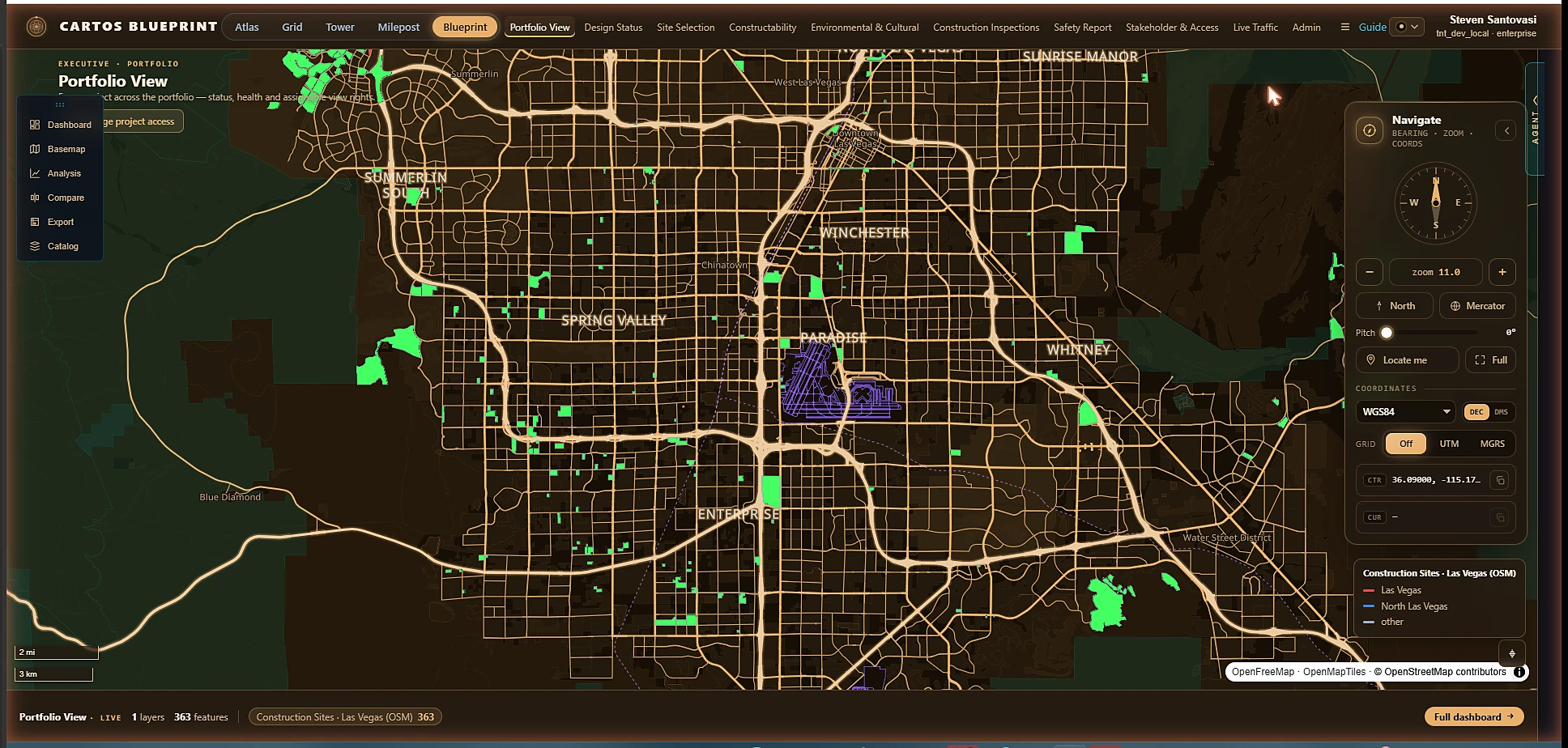
Cartos · Inside the interface

This is what geospatial looks like when it stops being software for specialists.

Aging GIS makes you a cartographer before it lets you be an analyst — dozens of dialog boxes, projection errors, a license per seat, and a consultant on retainer. Cartos collapses all of it into one screen: satellite, 3D, live operations, and an AI analyst that does the work with you. No GIS experience required.

One screen

Everything in view, nothing to install.

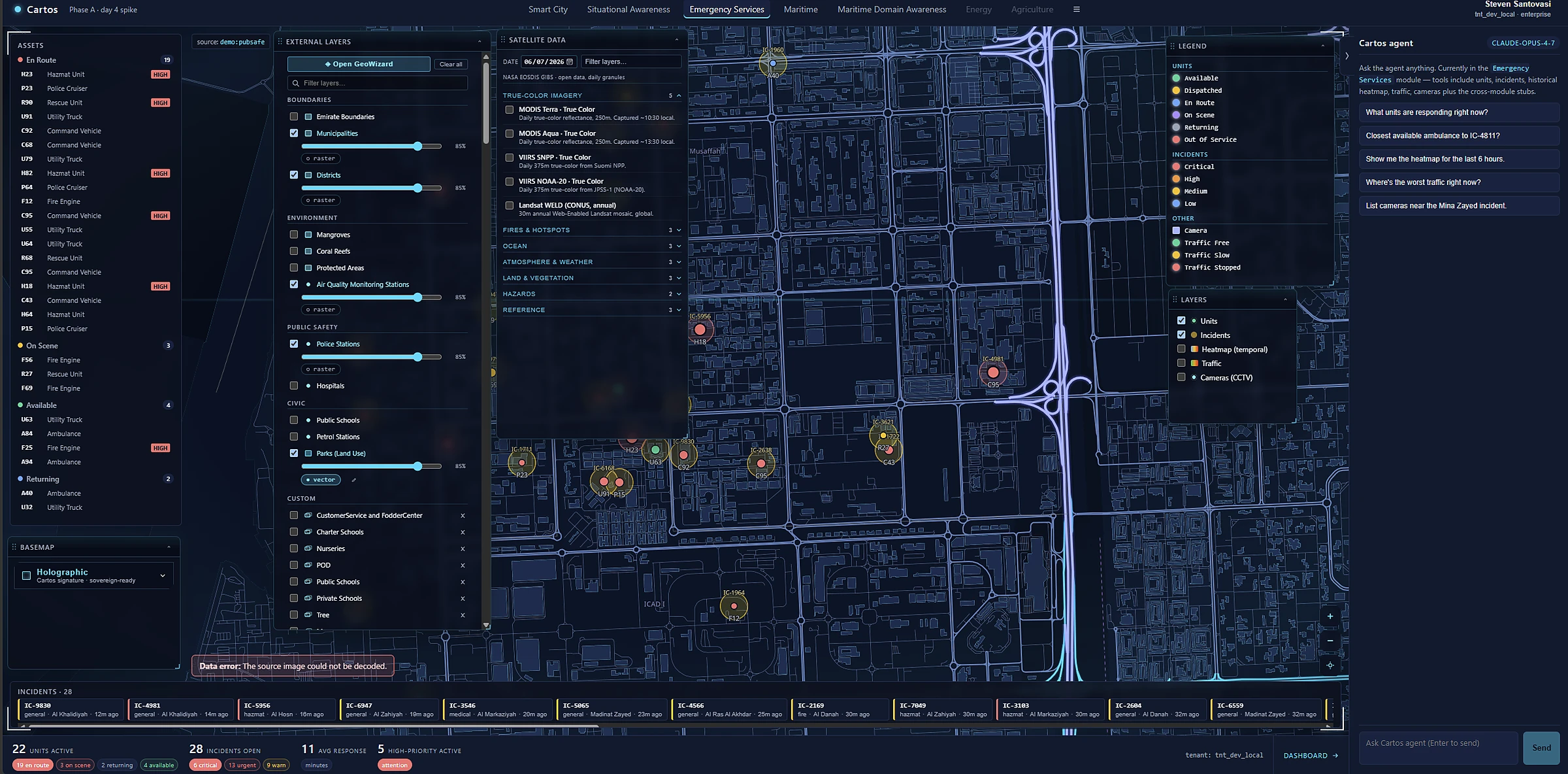
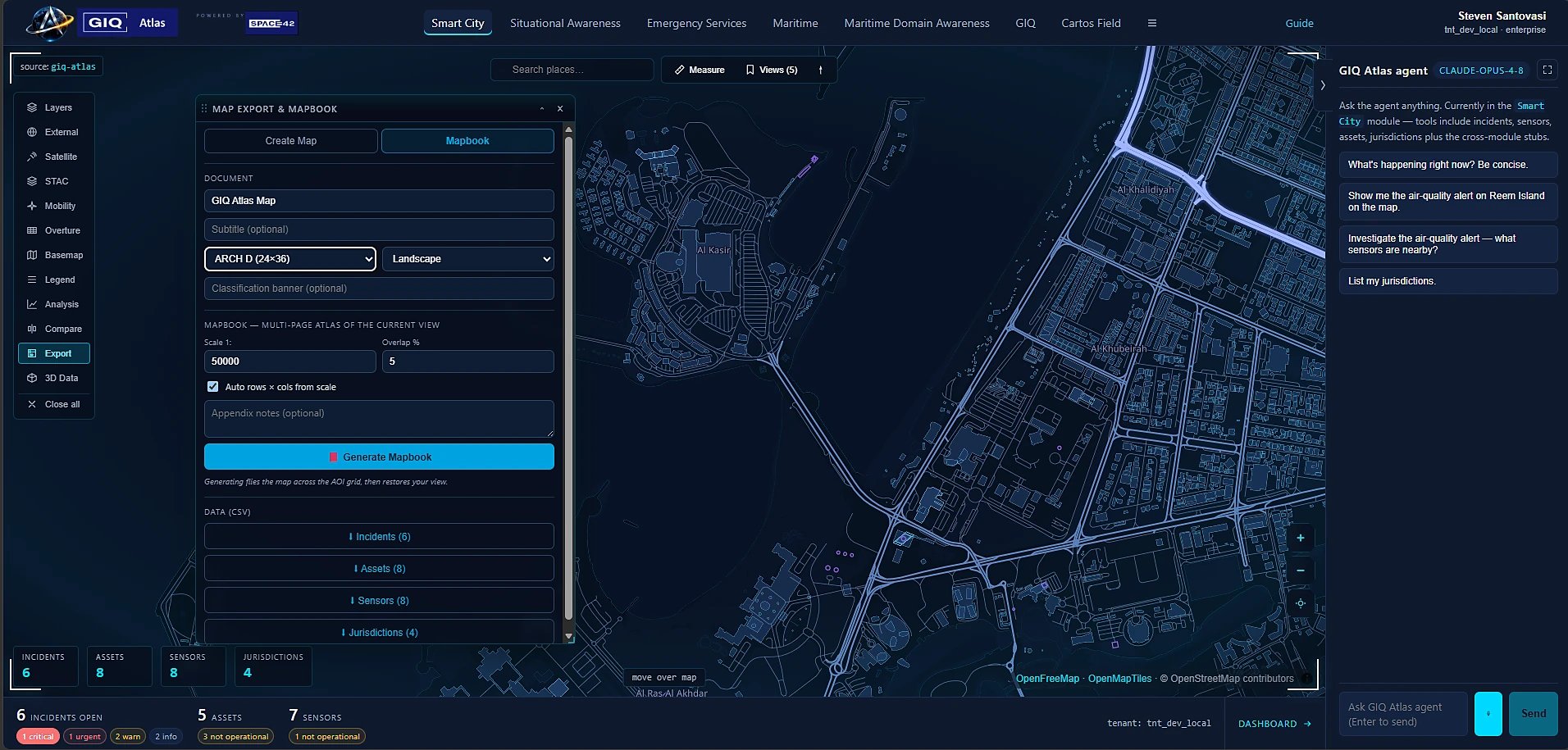
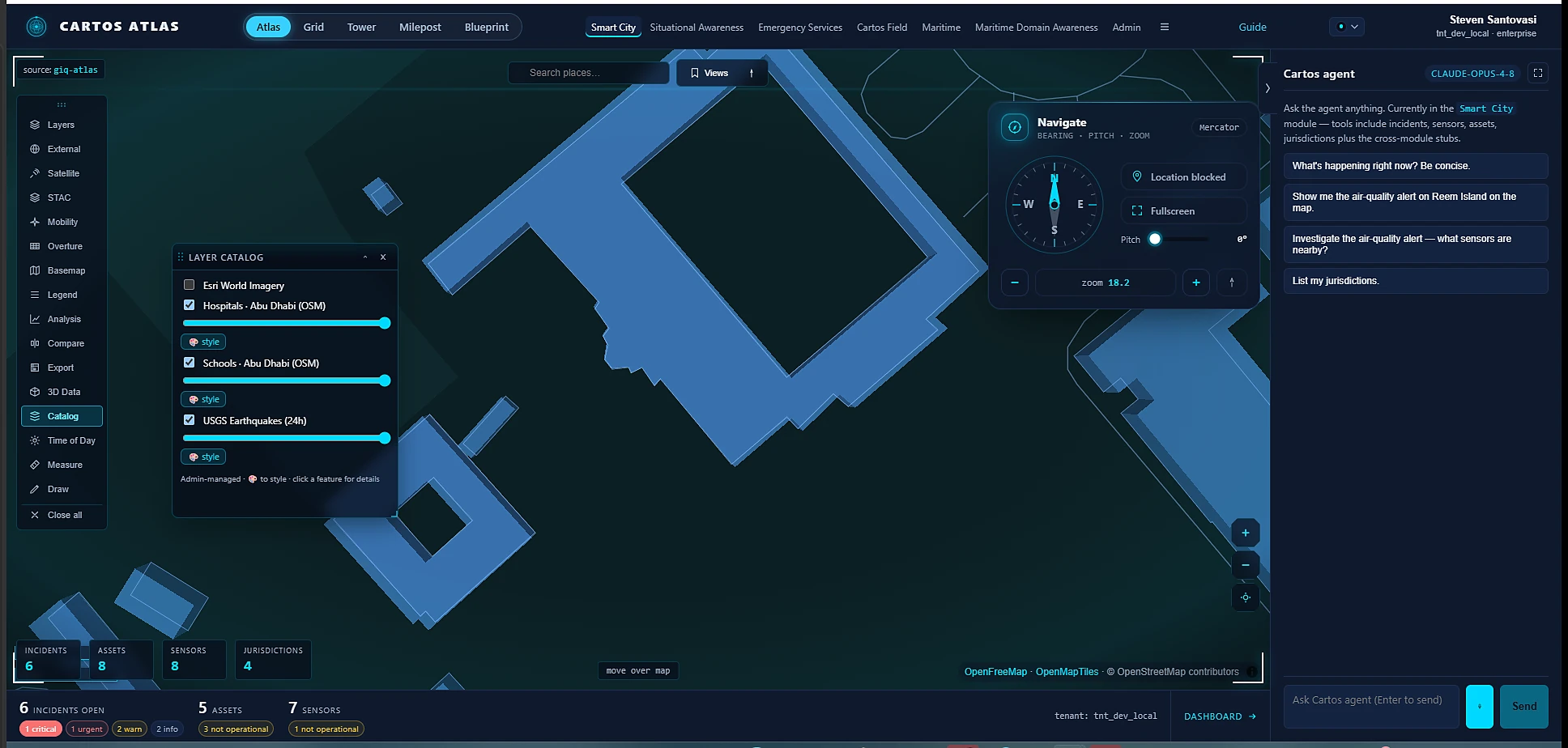
Live data, a layer catalog, the map, and the Cartos agent — side by side in the browser. The whole operating picture, from one URL, in your own deployment.

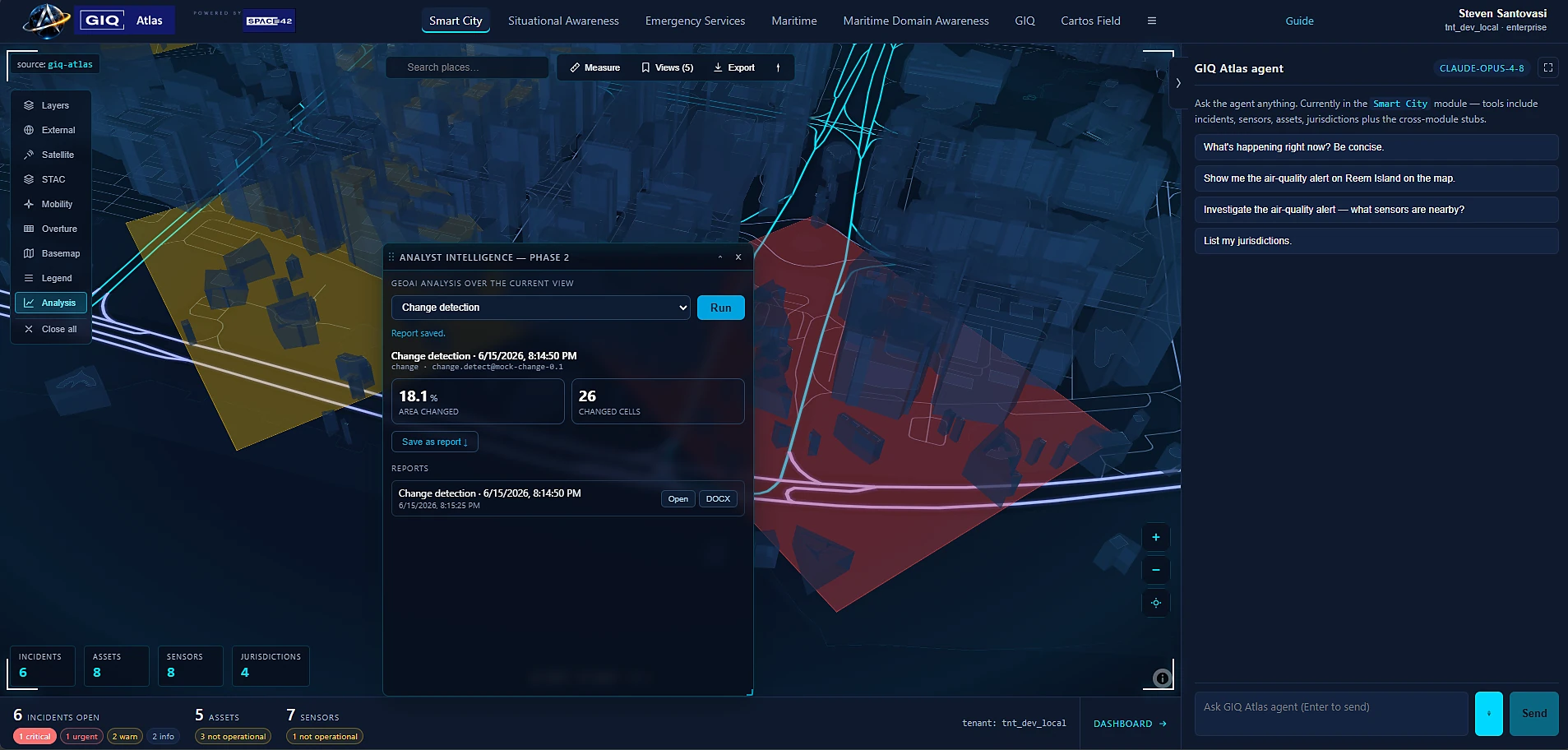
The Cartos operations workspace: a city map with live incident markers, a layer catalog on the left, an incident feed in the centre, and the Cartos AI agent on the right.
Live operations. Layers, incidents, map, and the agent — one workspace, no desktop install.

The delta

Three things aging GIS structurally can't do.

These aren't features bolted onto an old core. They're the reason Cartos exists — and the reason a thirty-year-old GIS stack can't follow.

01 · Modular

Verticals, not projects.

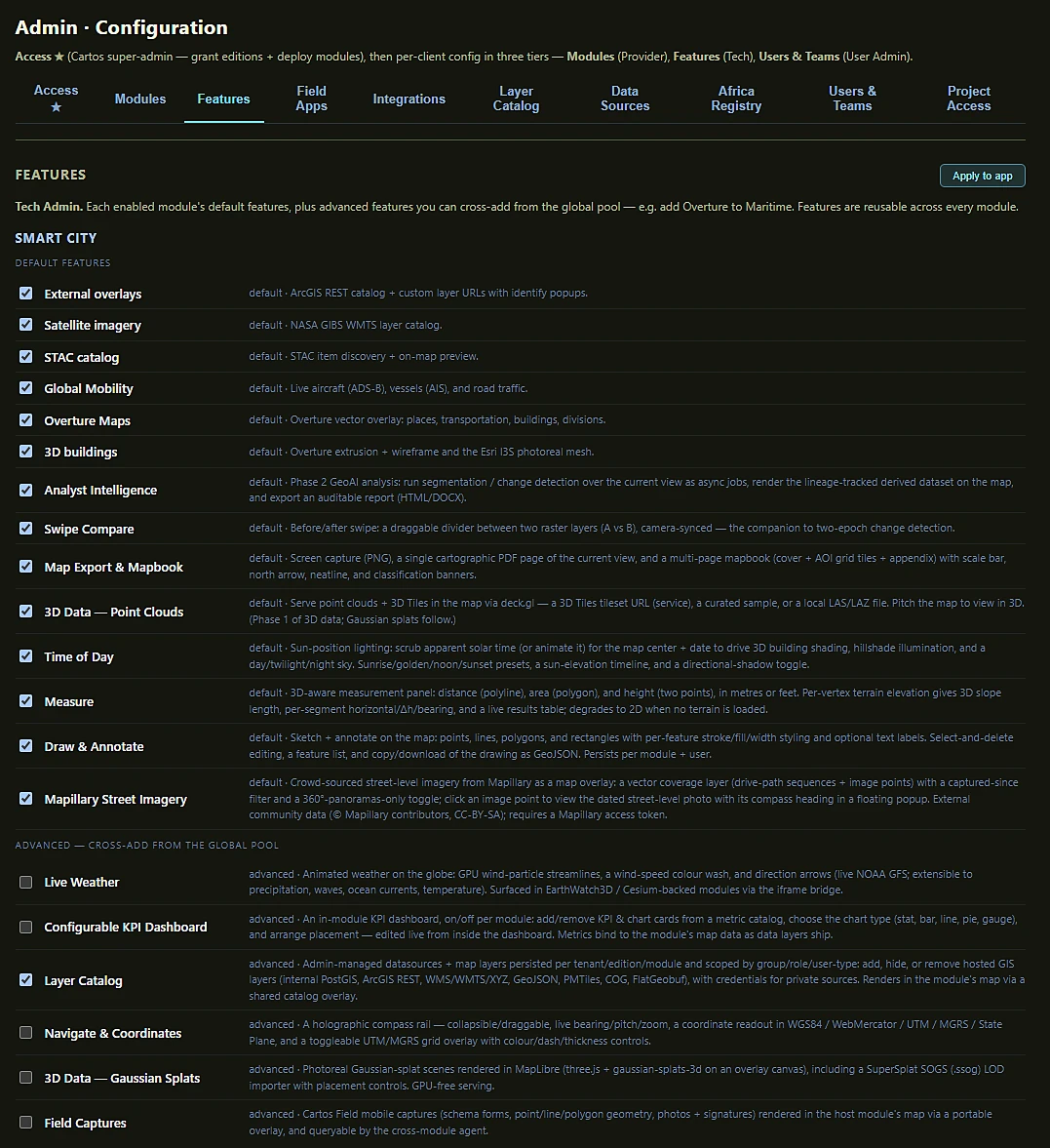
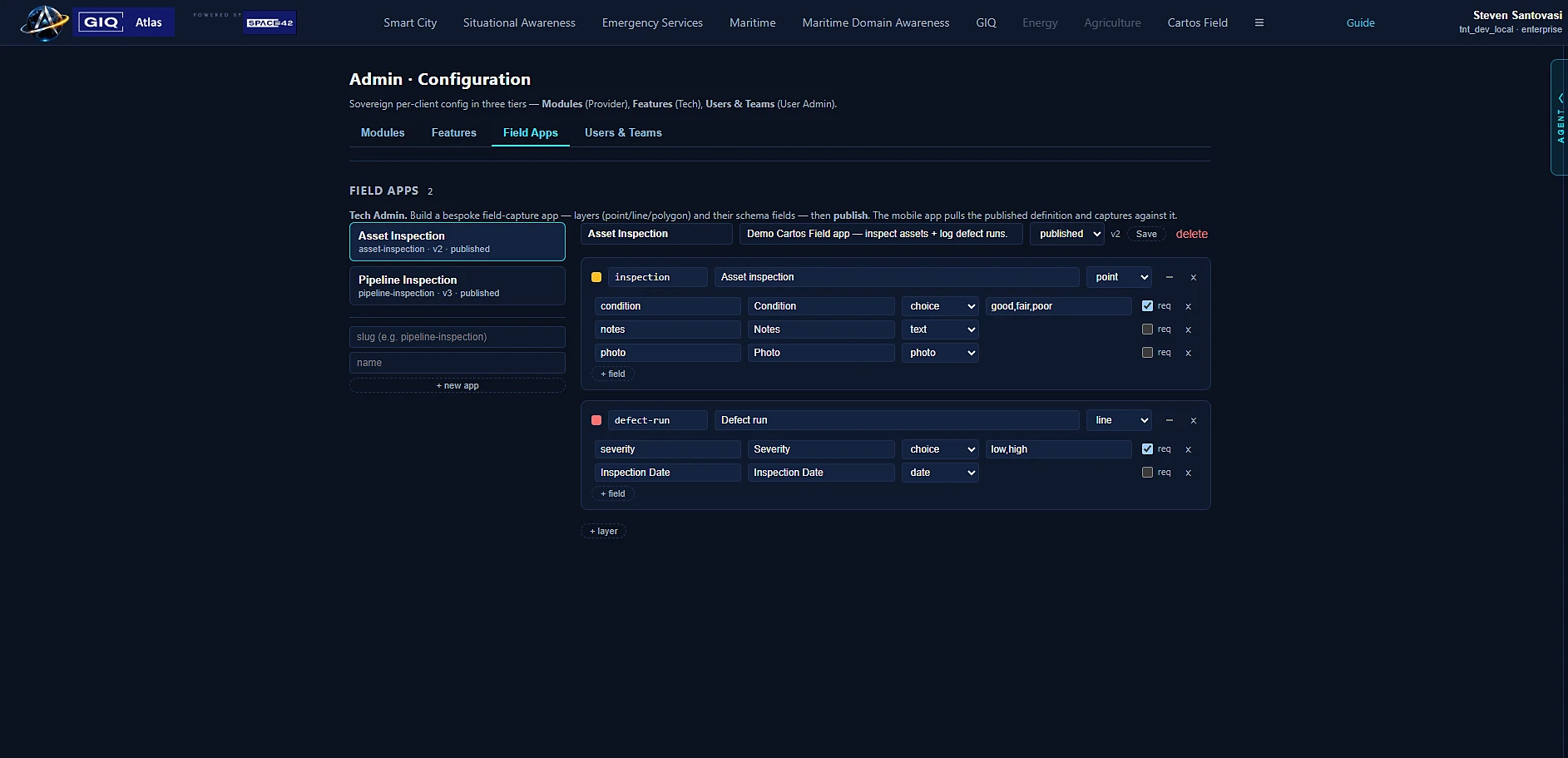
City, port, and emergency operations are slices over one shared data fabric, agent, and shell. Turn a capability on per account — you don't rebuild, re-license, or re-train to add the next one.

Aging GIS: every new use case is a fresh project, a new server, another integrator.
02 · Agentic-first

Ask, don't author.

An AI analyst is wired in from the first click. Ask a question in plain language; it focuses the map, pulls the layers, and runs the workflow using the platform's own tools — and shows its work.

Aging GIS: a toolbox of 800 tools and a model-builder you have to learn first.
03 · Future-proof

Sovereign & built to compound.

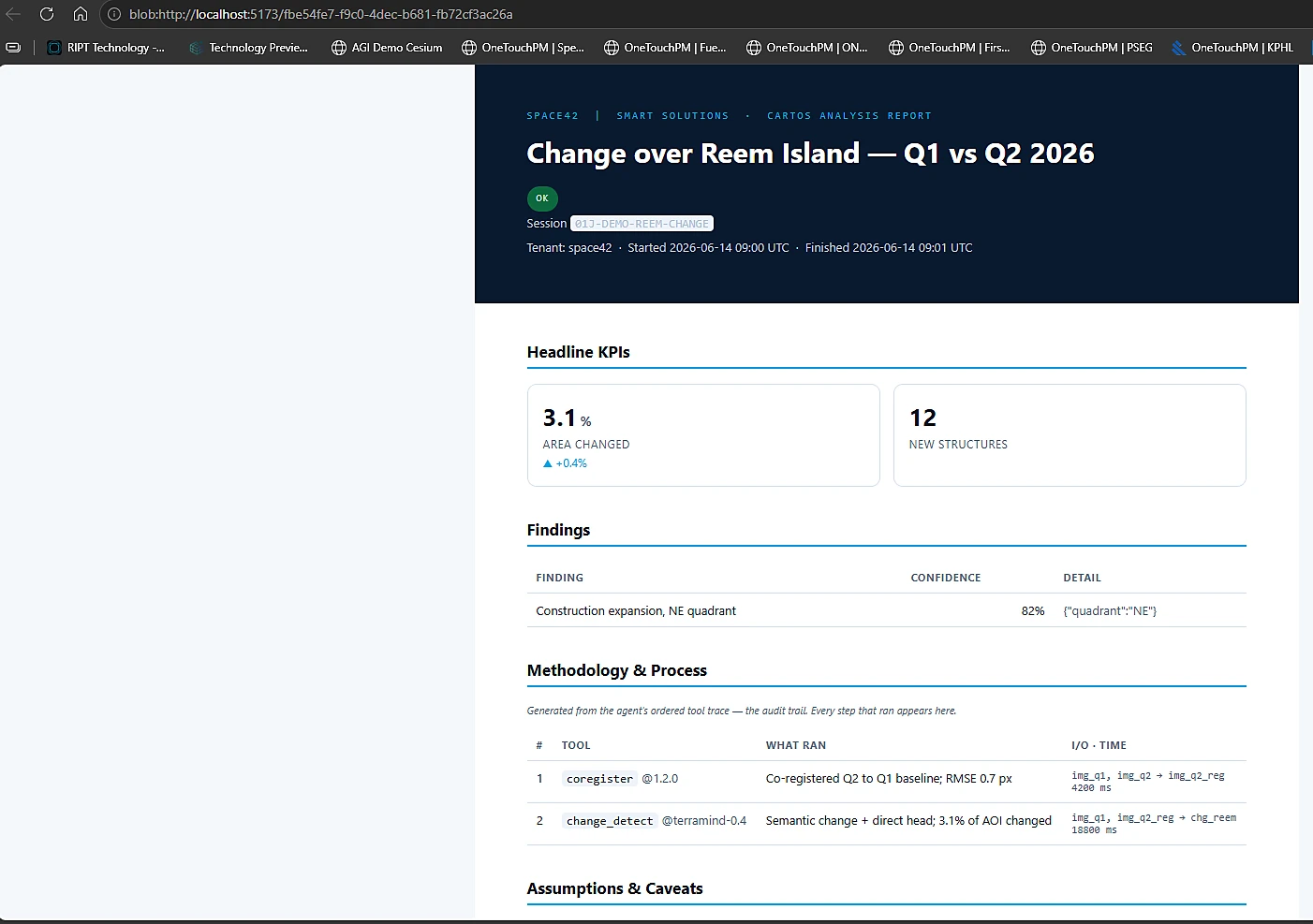
Runs in-territory on infrastructure you control, fed by Space42's own satellites. The same substrate is growing into change detection, 3D reconstruction, and auditable reporting — your deployment gains them without a migration.

Aging GIS: perpetual upgrades, data lock-in, and a roadmap you don't own.

01 · The front door

It starts with a question — not a toolbar.

In every other GIS, the first thing you meet is a wall of tools you have to learn. In Cartos, the first thing you meet is a chat box.

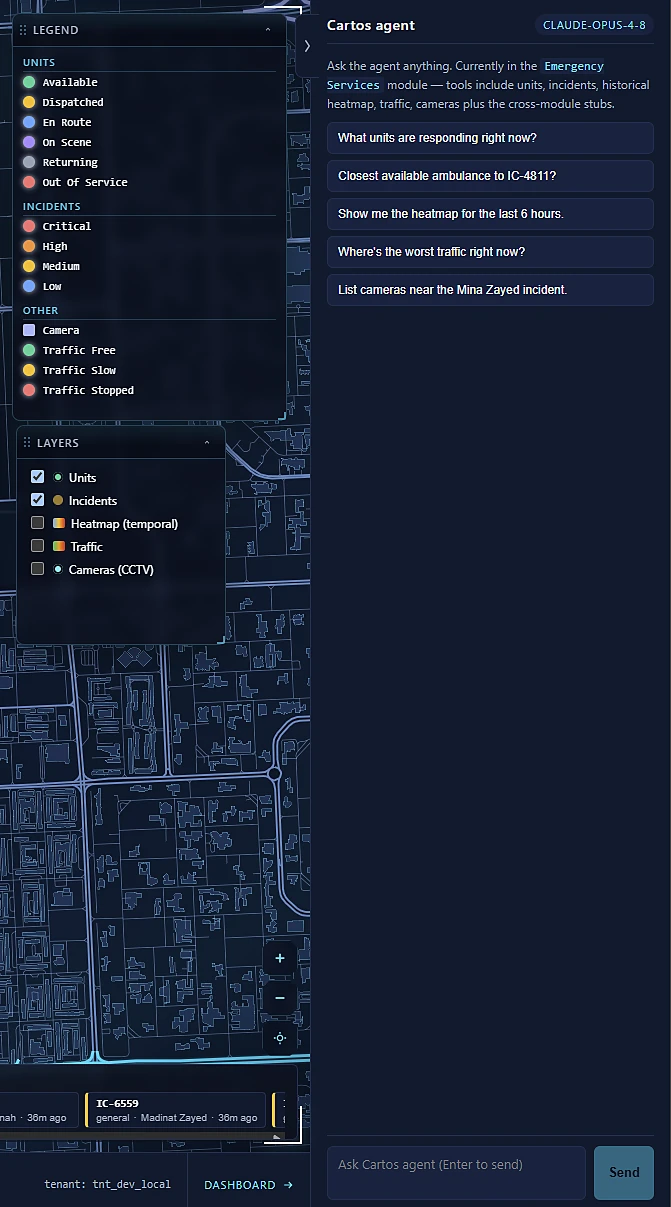
Ask "what's happening near the light rail?" or "show me units by jurisdiction" and the Cartos agent drives the platform for you — focusing the map, switching on the right layers, and running the query, then explaining what it did. It's docked beside the map at all times, with suggested prompts so a brand-new user is productive on the first click. This is the agentic-first delta, made literal.

The Cartos agent panel docked beside the map, answering operational questions in natural language and offering suggested prompts.
The Cartos agent. Plain-language questions in; a driven map and a clear answer out.

02 · The decision surface

The map shows you where. The dashboard shows you how it's going.

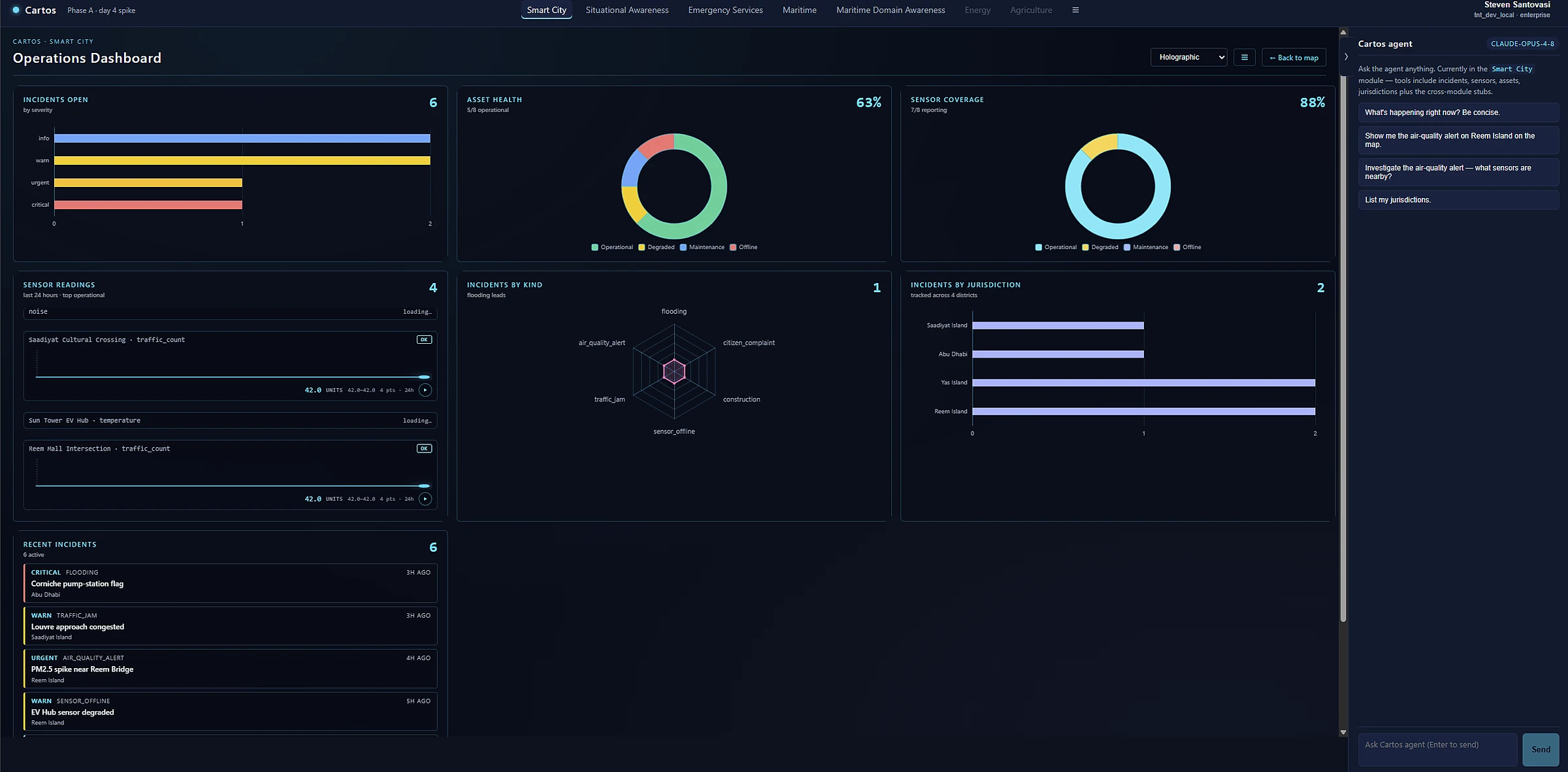
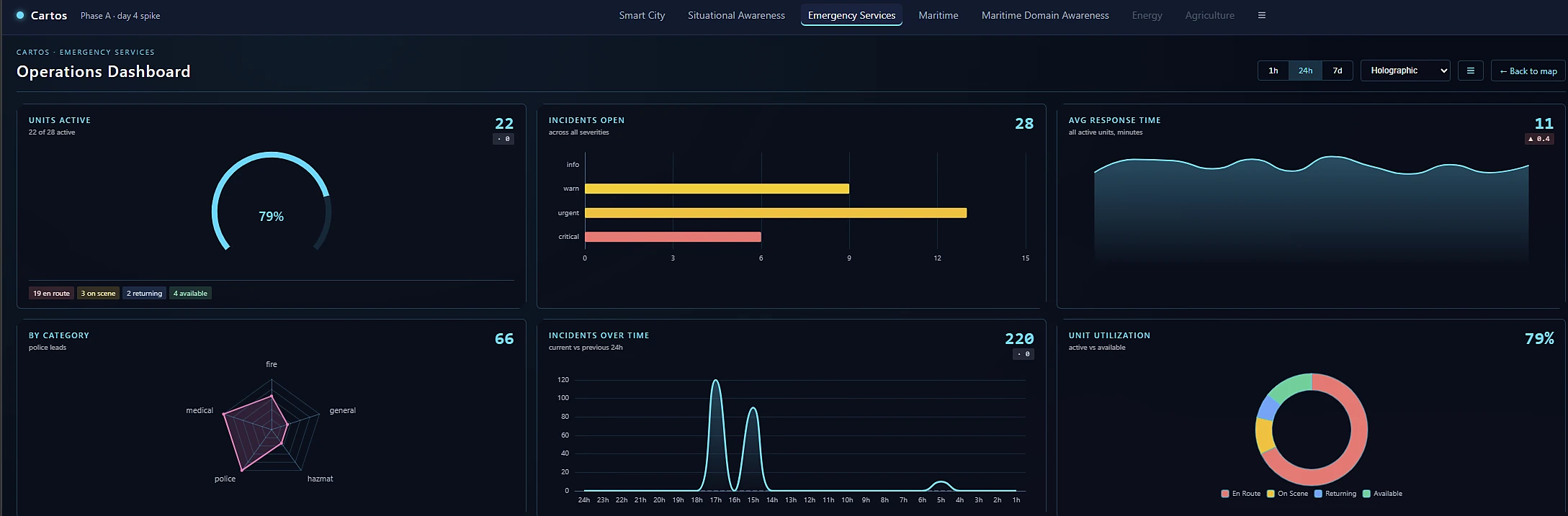
Operations aren't run from a basemap alone. Every module pairs the map with a live dashboard — units active, incidents open, response times, asset health — so the picture and the numbers never live in two different tools.

Operations Dashboard · Ops floor The Cartos operations dashboard in dark mode with KPI rings, incident charts, asset health, and a recent-incidents feed.

The numbers behind the map

KPI rings, incident severity, response-time trends, and a live incident feed — a full operational read-out beside the map, not a separate BI tool to license and stitch in. It updates as the situation does.

Operations Dashboard · Briefing wall The same operations dashboard rendered in a light holographic theme, showing response-time trends and unit utilisation.

Themeable for the room you're in

The same data, one click away from a holographic theme built for a command-centre wall. Dark for the ops floor, luminous for the briefing — no rebuild, no second dashboard to maintain.

03 · Getting data in

Bring any data in — without being a GIS admin.

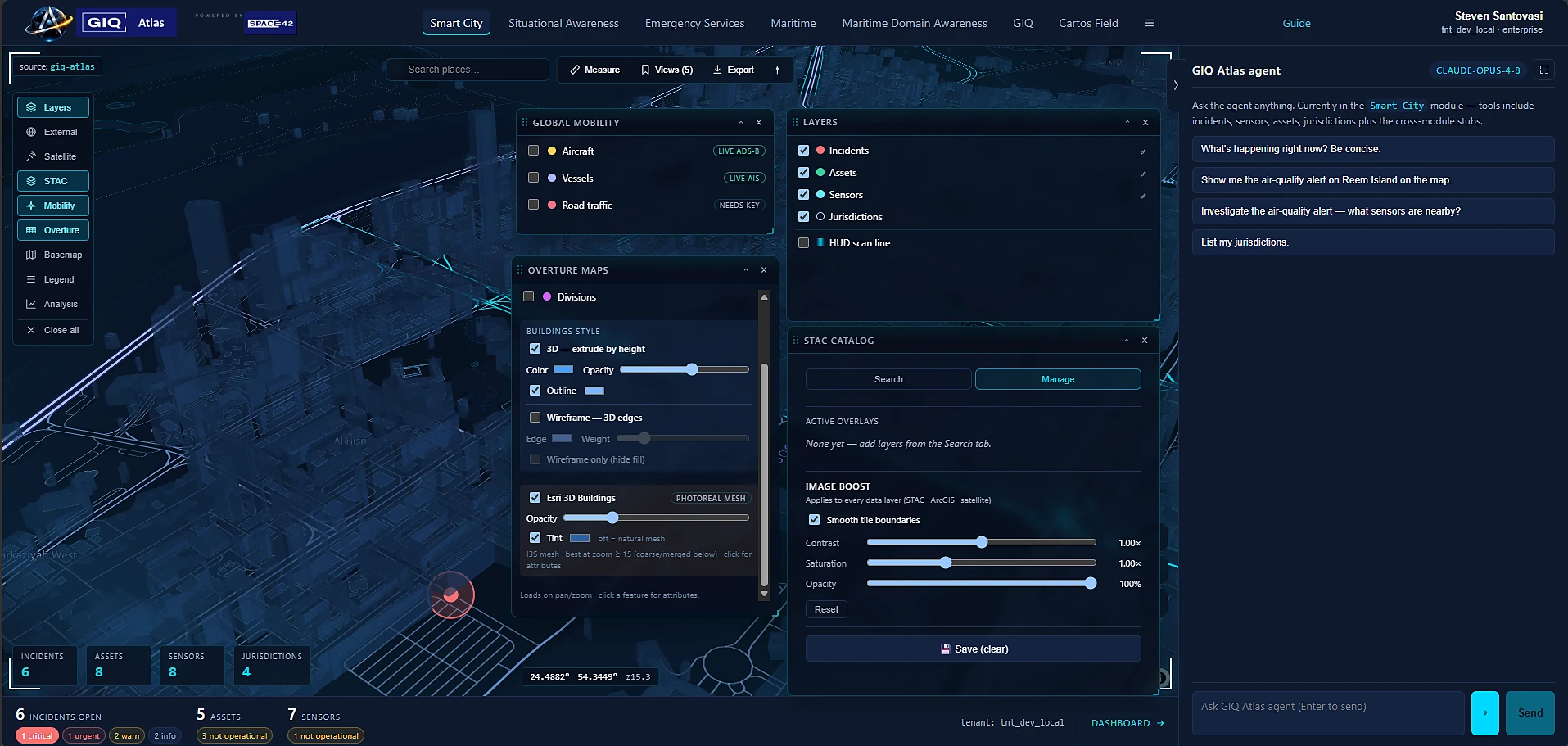
The hardest part of legacy GIS is often just getting the data onto the map: formats, projections, server connections. Cartos turns that into a marketplace and a search box. Browse, search, or paste a URL — and it lands as a styled, persistable layer.

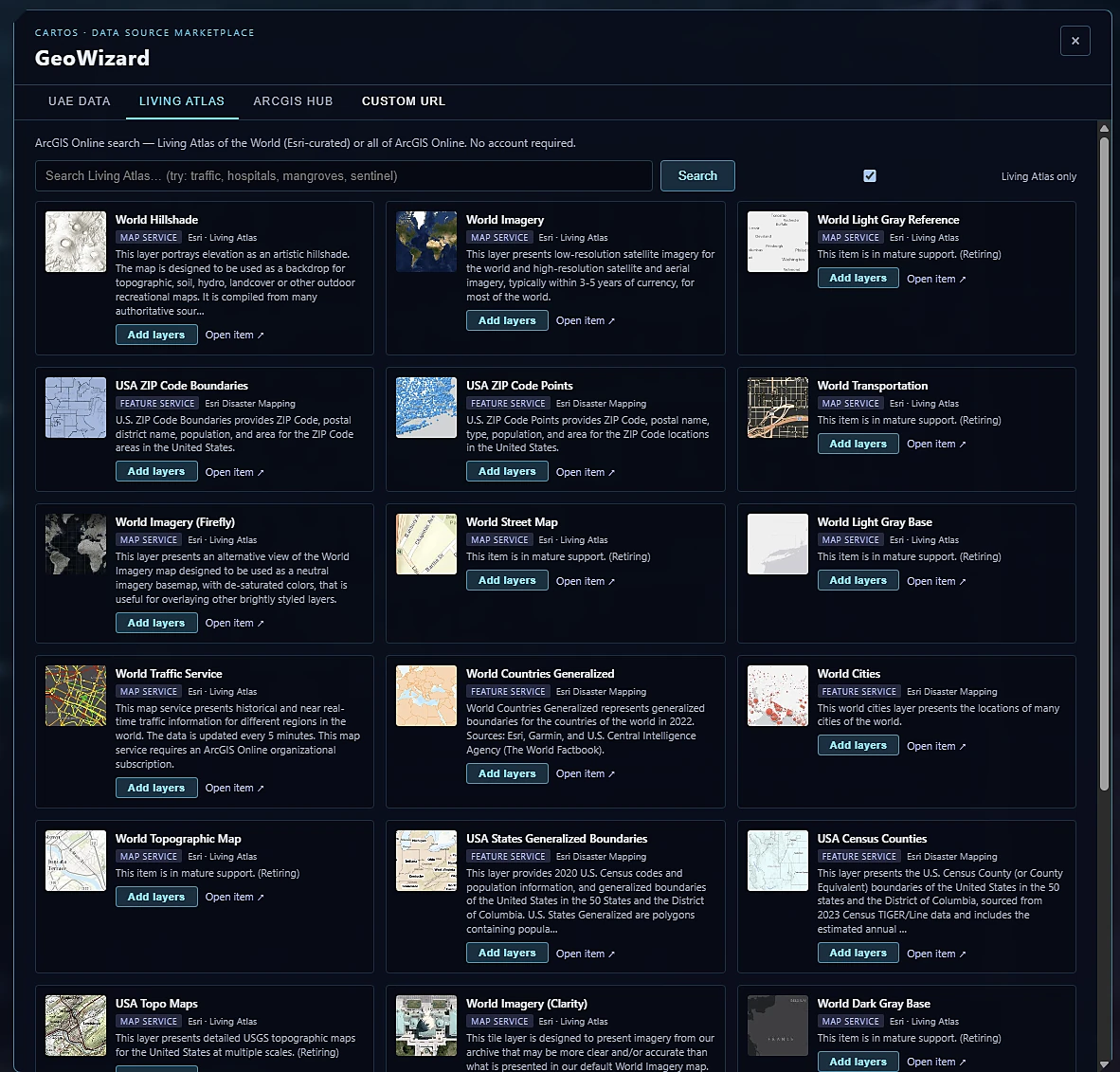
GeoWizard · Data Marketplace The GeoWizard data-source marketplace listing federal, international, and UAE geospatial data sources ready to add as layers.

A marketplace of live data sources

GeoWizard curates national and global catalogs — federal, international, and UAE-specific sources — each one ready to add as a layer. No hunting through portals, no format wrangling: the discovery step that used to take a day becomes a browse.

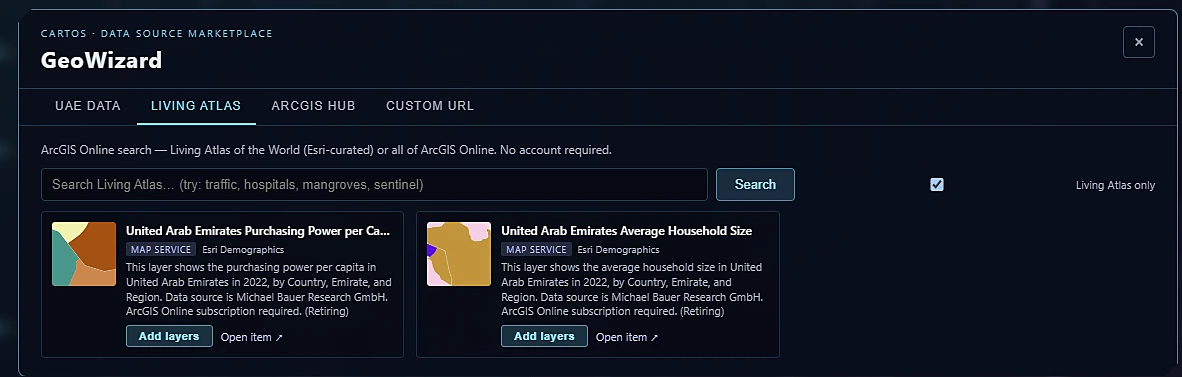
GeoWizard · Living Atlas search GeoWizard searching Esri Living Atlas for UAE demographic map services, each ready to add as a layer with one click.

Search the world's open data — no account needed

Type "traffic", "hospitals", "mangroves", "sentinel" and results come back from Esri's Living Atlas ready to drop on the map with one click. Open data discovery, collapsed into a single search field.

04 · Seeing the world

From a single pixel to a whole region — in 2D and 3D.

One surface renders every way you need to see the world: your own high-resolution imagery, photoreal 3D, continuous sensor surfaces, and styled vector networks — without ever exporting to a second application.

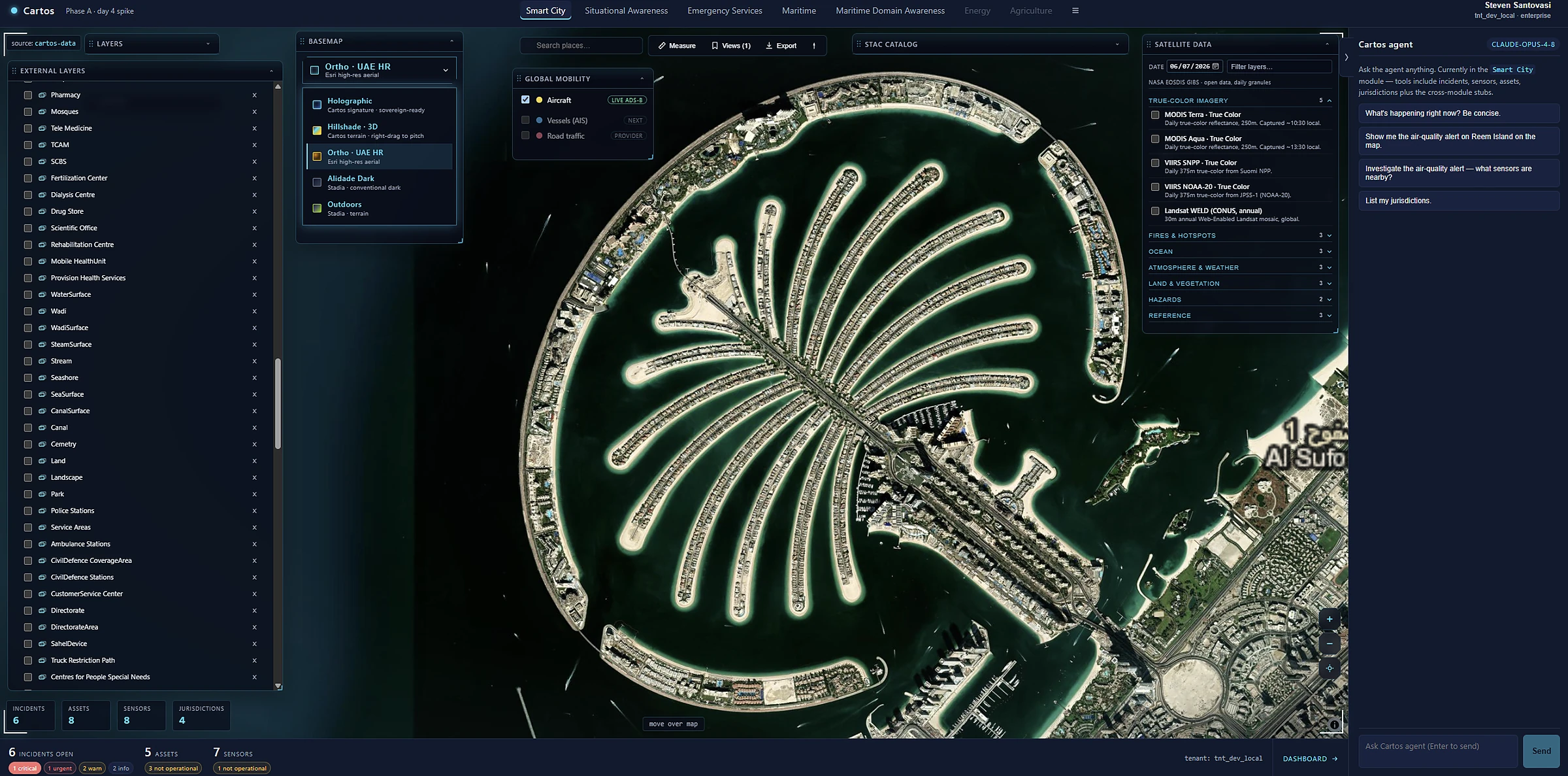
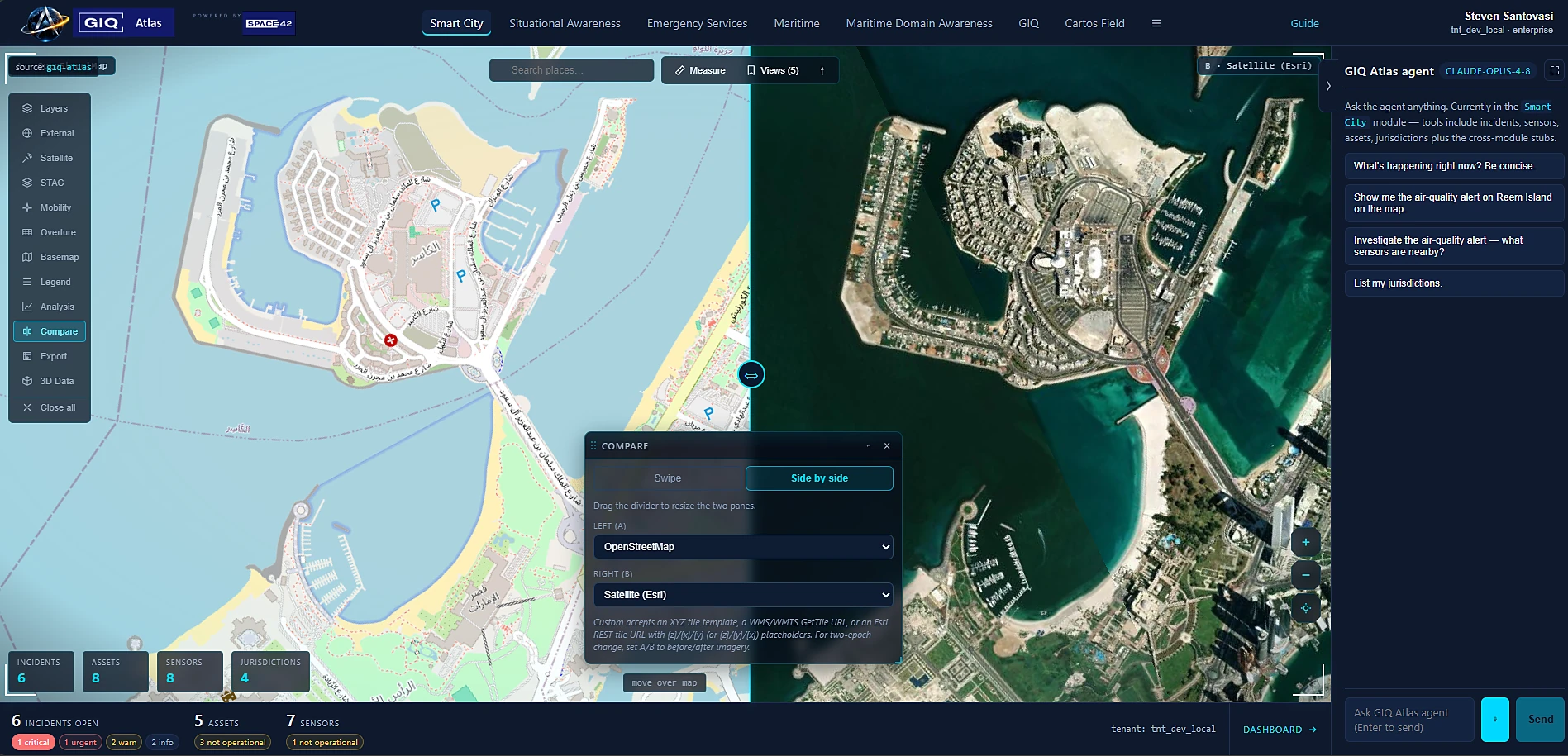
Satellite Imagery High-resolution satellite imagery of the Palm Jumeirah rendered in the Cartos map surface.

Your own imagery, on tap

High-resolution satellite layers stream straight onto the surface — backed by Space42's own constellation. That owned data position is something competitors can't simply license into, and it's available to every module by default.

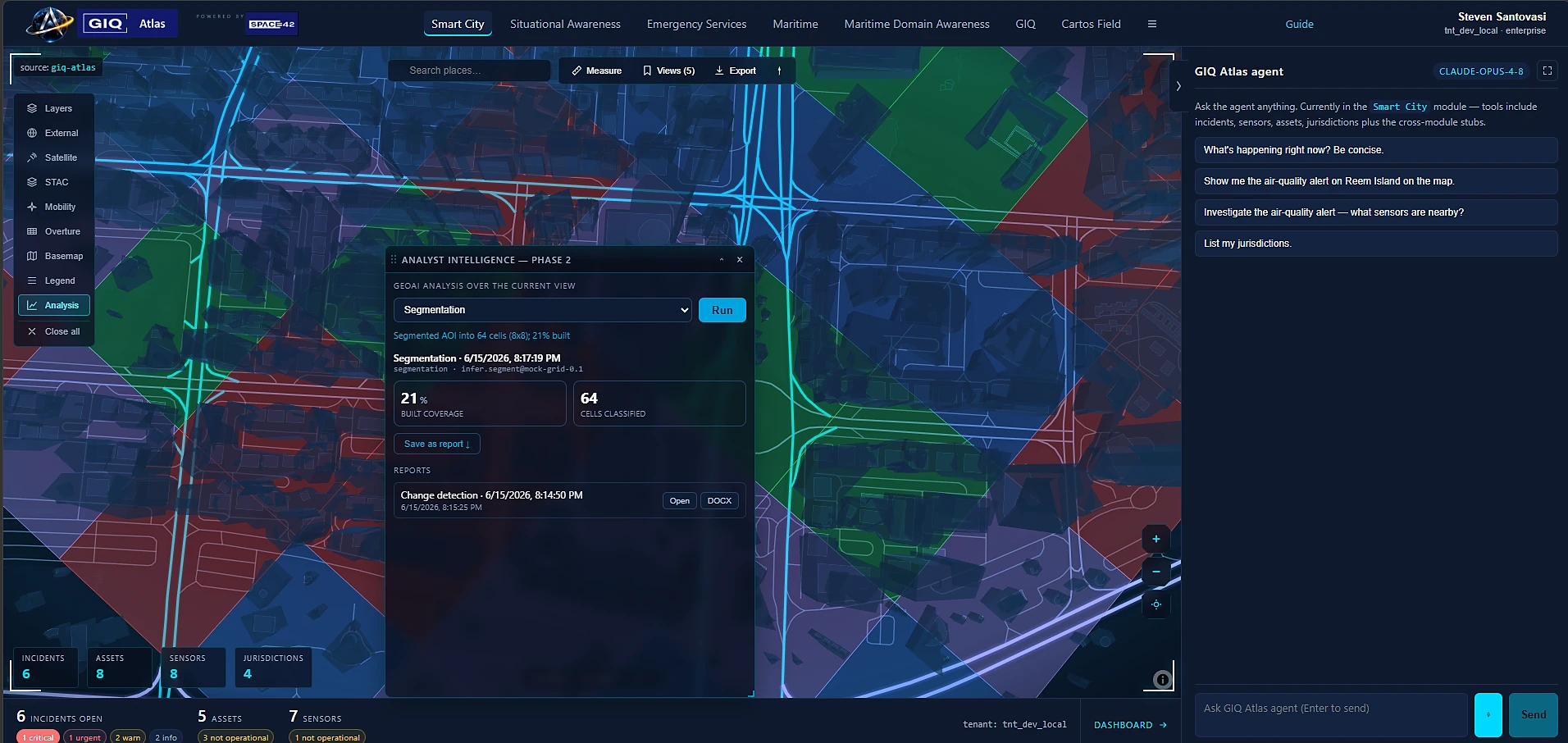
3D Terrain & Buildings A tilted 3D view of an urban area with extruded buildings, terrain, and a road network in the Cartos globe.

Drop into 3D without leaving the page

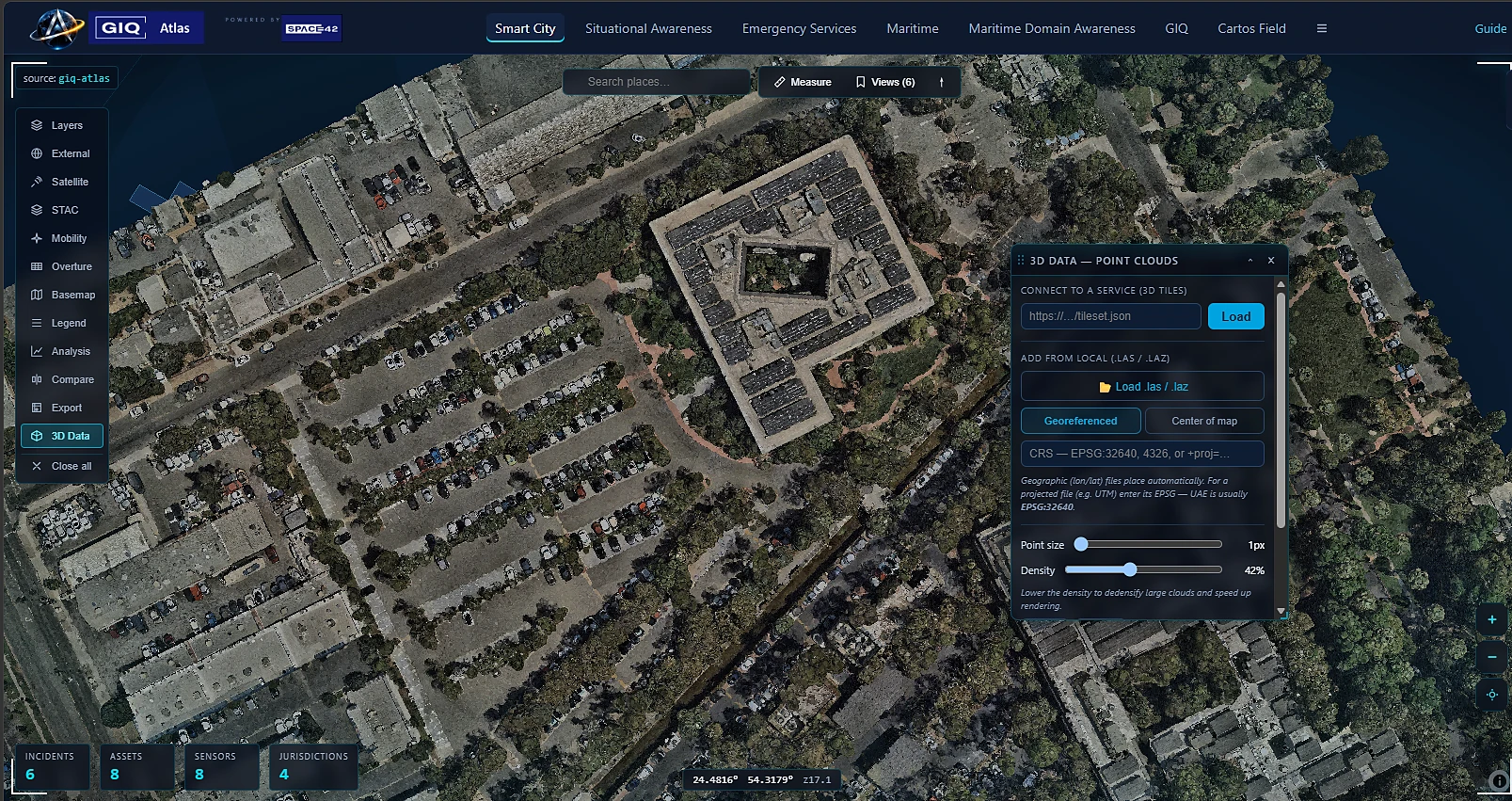
Tilt into a photoreal scene — terrain, buildings, infrastructure — in the same workspace. No separate 3D app, no export-and-import dance between tools.

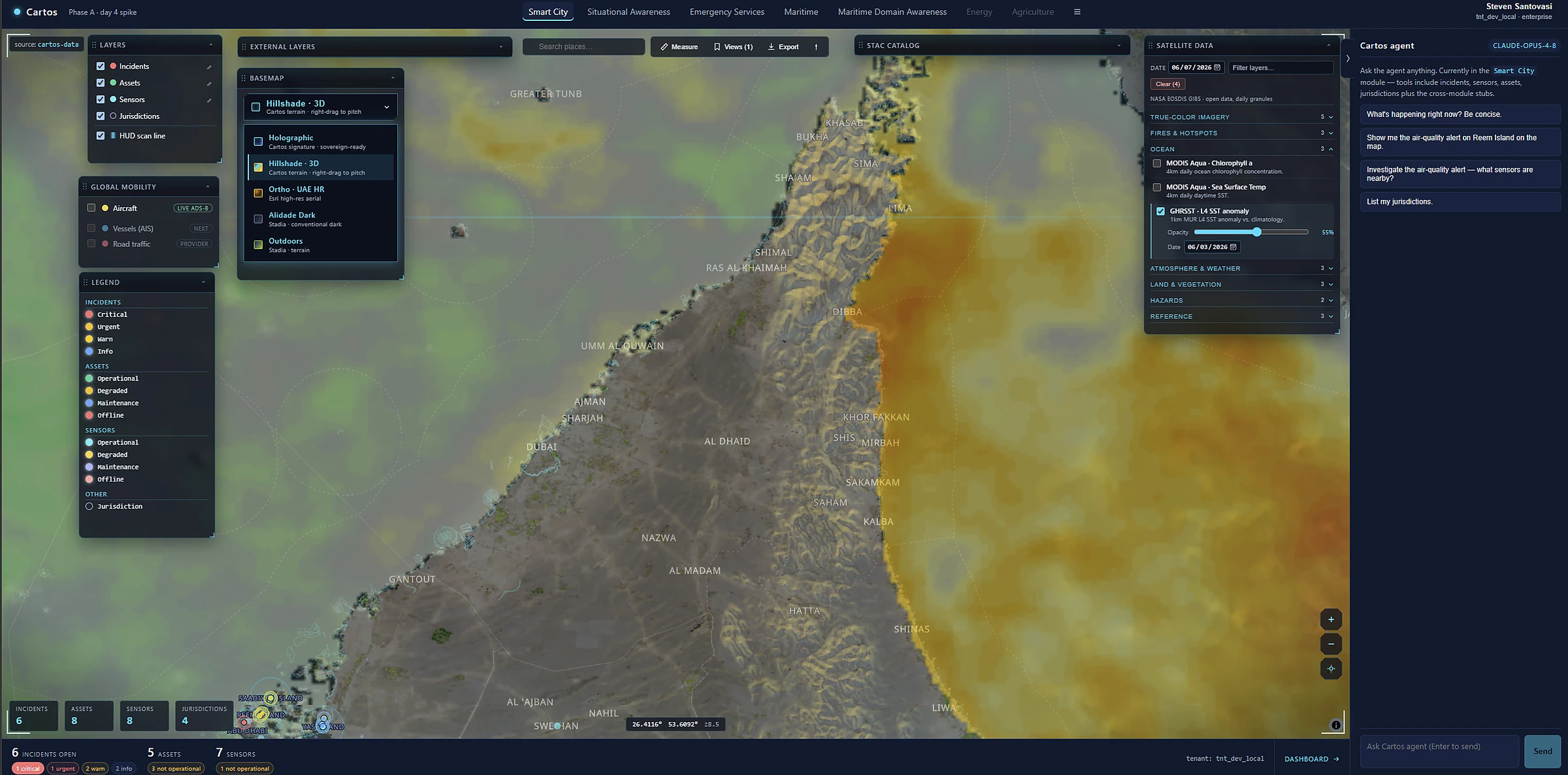
Environmental Analysis A continuous environmental heatmap over the UAE coastline rendered as a smooth colour gradient in Cartos.

Continuous data, read at a glance

Environmental and sensor surfaces render as smooth gradients — turning raw measurements into something a decision-maker reads in a second, not a spreadsheet.

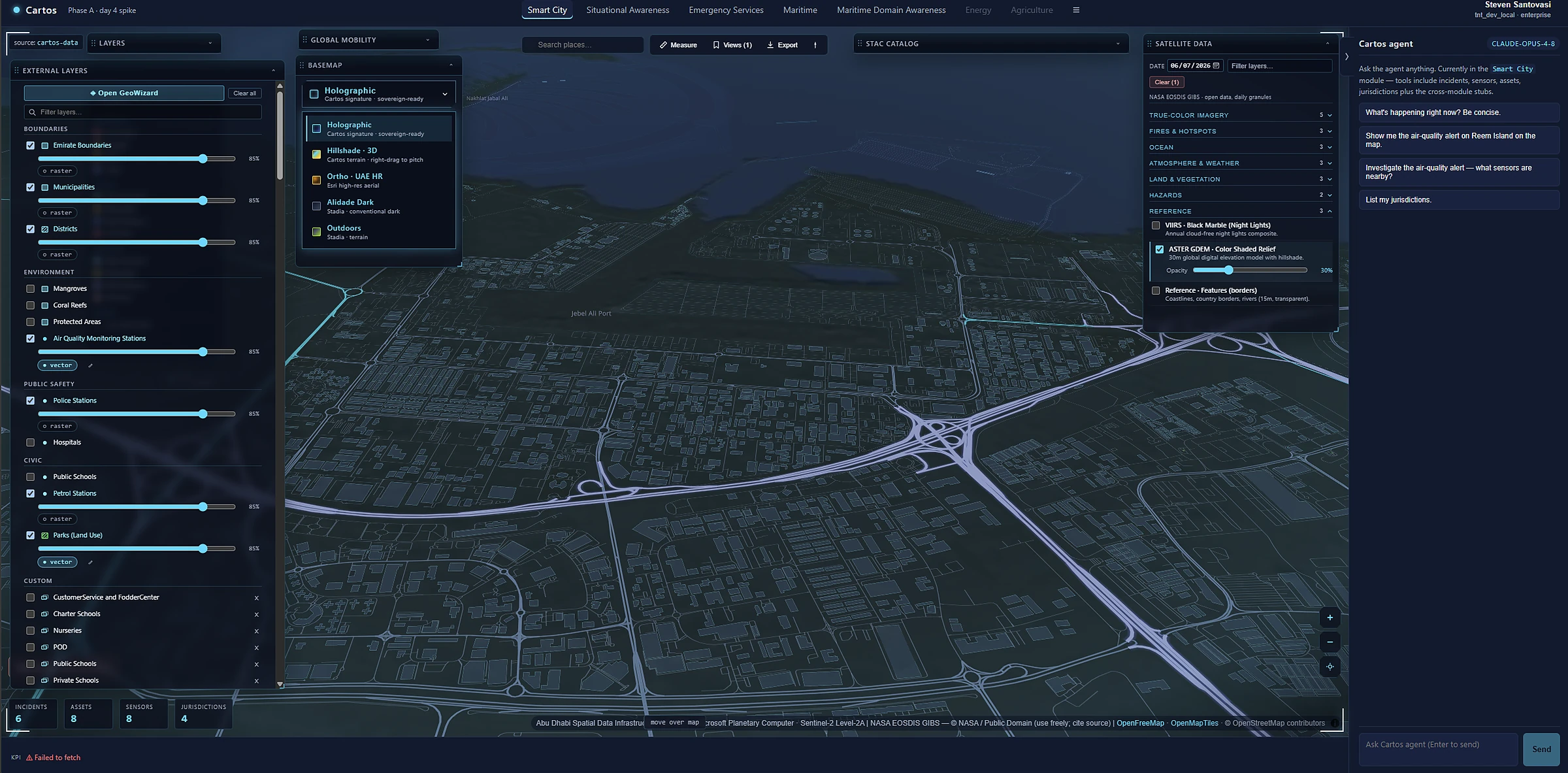
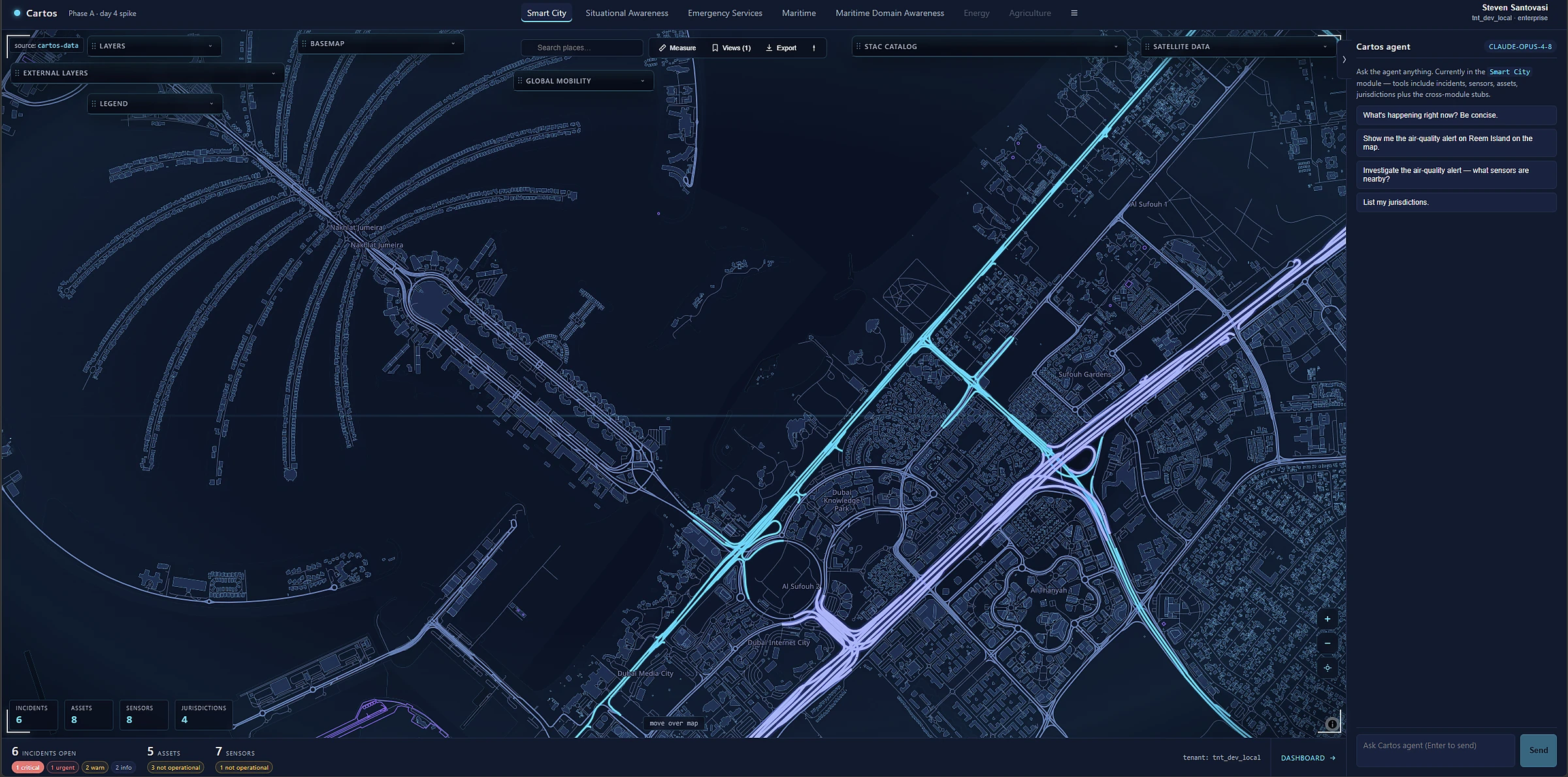
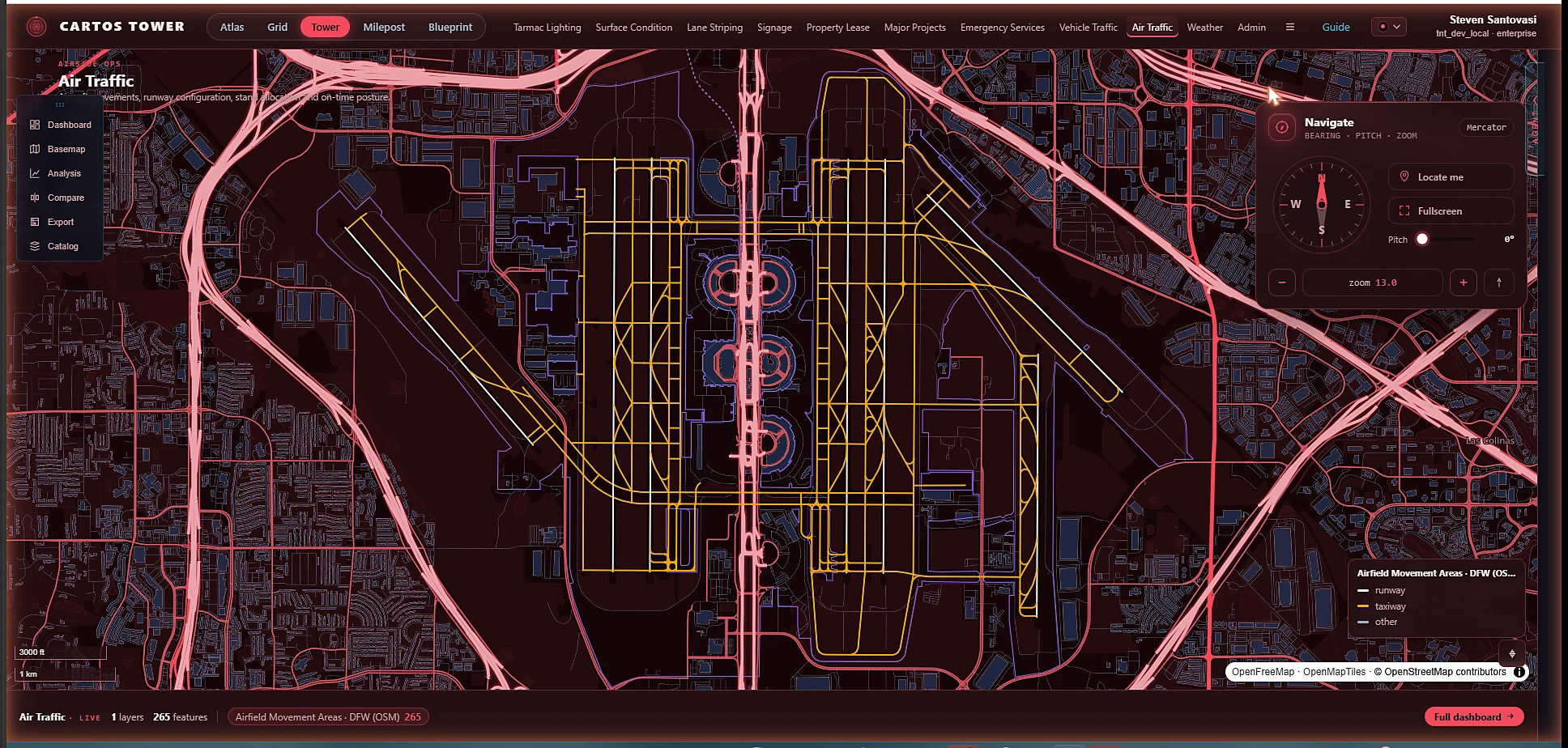
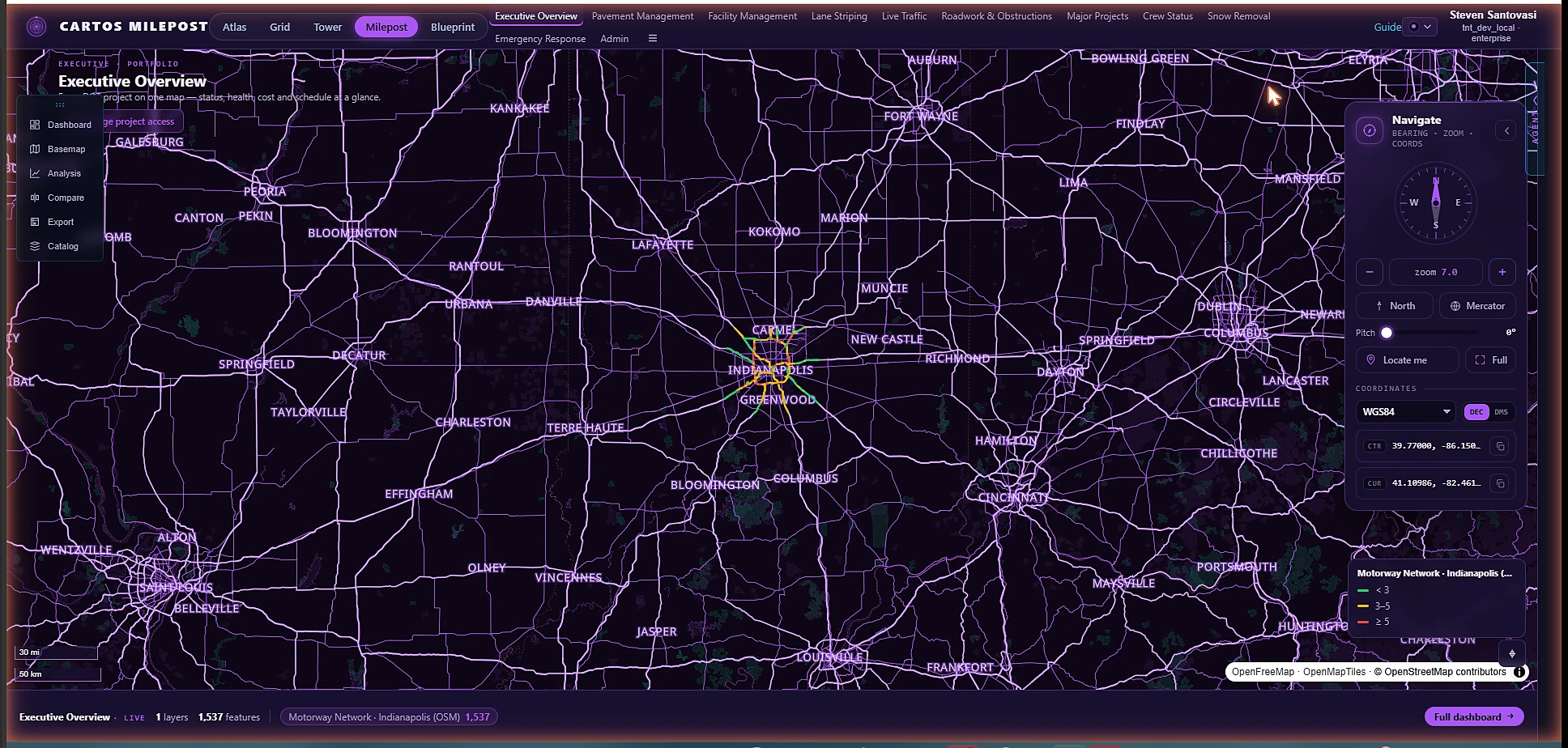
Network & Mobility A stylised vector view of a city road and transport network, with corridors highlighted in cyan and violet over a dark base map.

Infrastructure, styled to mean something

Road and mobility networks render as living vector layers — corridors, flows, and assets you restyle on the fly to surface exactly the pattern you're chasing.

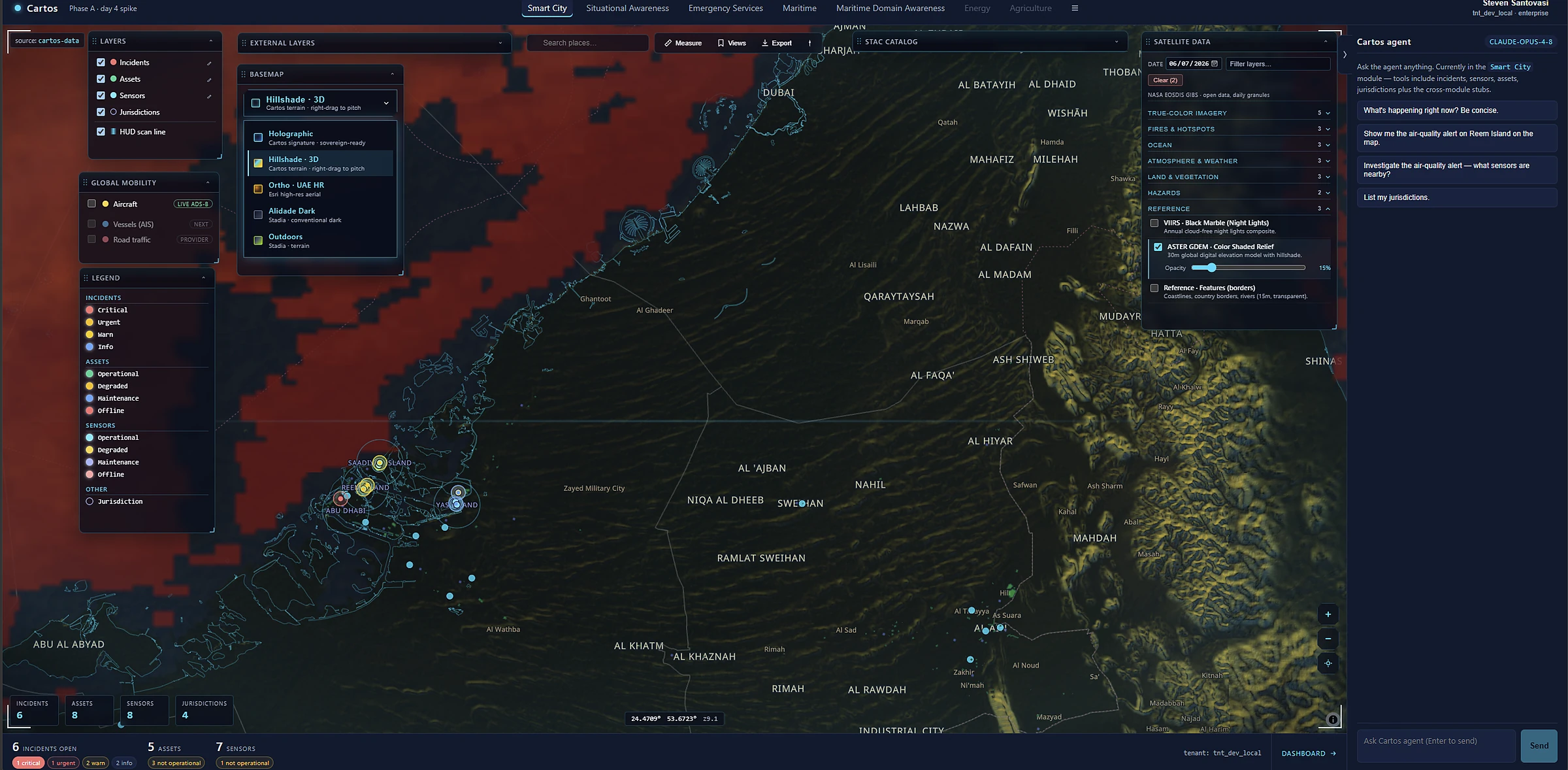
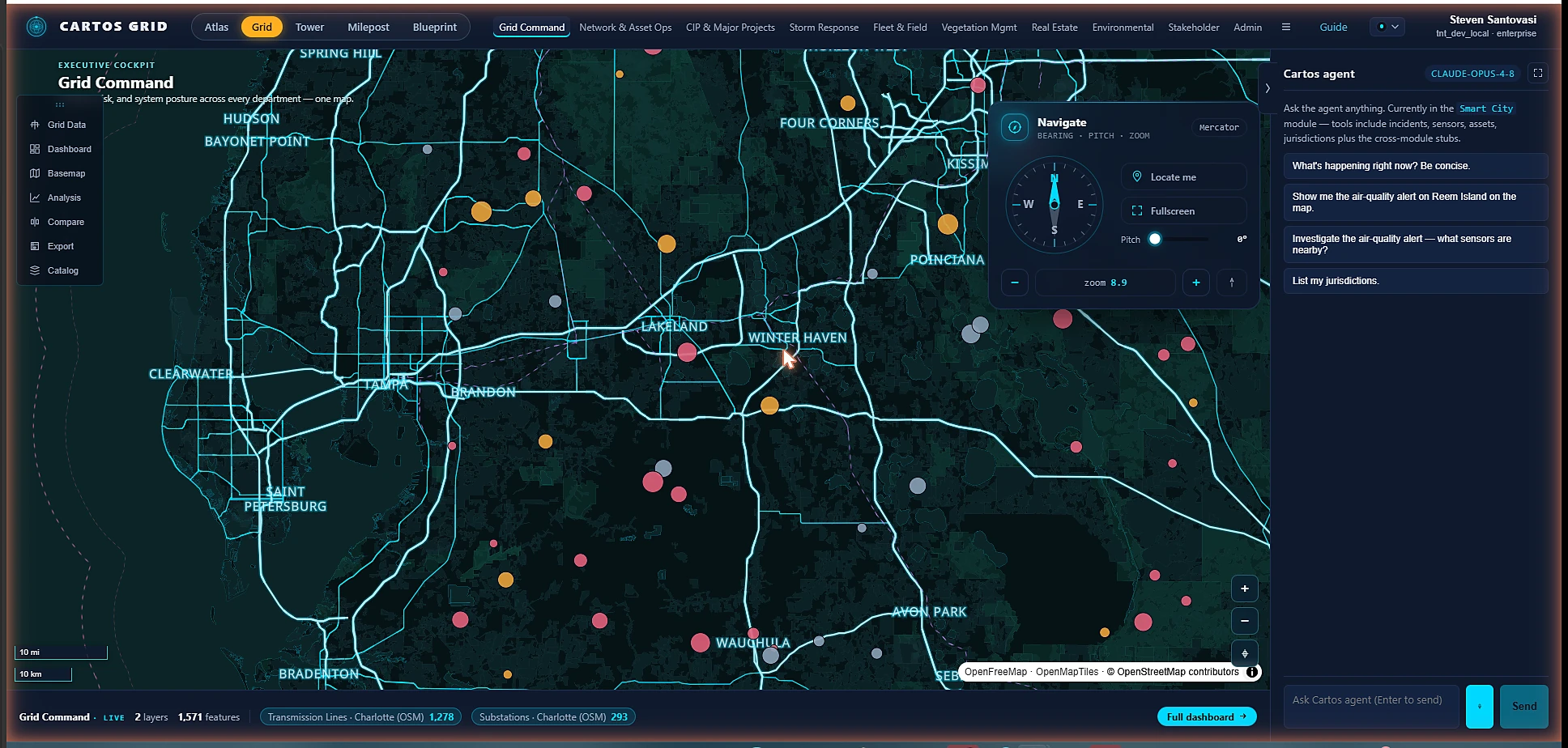
Regional & Maritime A wide regional Cartos map with terrain shading and vessel and asset markers across territorial waters.

From one street to a whole region

Zoom from a single incident out to coverage across territorial waters — assets, vessels, and context in one continuous picture, governed by the same team-level access rules throughout.

The contrast

Why this is a different category — not a nicer GIS.

The legacy desktop GIS model was built for a cartographer at a workstation. Cartos is built for an operator, an analyst, and an agent working the same picture together.

 Aging desktop GISCartos
Getting startedInstall, license, train for weeksOpen a URL — no experience required
Doing the analysisHunt through a toolbox of hundreds of toolsAsk the agent in plain language
Adding dataWrangle formats, projections, connectionsBrowse or search a marketplace, click add
New use caseA new project, server, and integratorSwitch on a module on the same fabric
2D, 3D & dashboardsSeparate apps and add-on licensesOne workspace, all included
Where it runsVendor cloud or aging on-premSovereign, in-territory, on infra you control
Where it's goingUpgrade treadmill, data lock-inCompounds into change detection, 3D & auto-reporting

If a new analyst can be useful on day one without a course, the tool finally fits the mission — not the other way around.

See it on your geography

Put your own area on this screen.

Bring a real operational workflow and a sovereignty constraint; we'll stand it up on the platform — your data, your territory, your imagery — under NDA.